Replacement security cameras in Mariemont, OH usually get ordered for one of three reasons: grainy footage, a dead recorder, or a system that's simply outlived its 8 to 12 year lifespan. Before you call an installer, it helps to know what 2026 cameras can actually do, what they cost installed, and why the light fixture six feet from the lens often matters as much as the camera itself. This guide breaks down pricing, camera types, and the overlooked lighting and landscaping details that decide whether new cameras actually catch anything useful at night.
Visit NiteScapesCincy to see our services and request a free estimate.
How Much Does It Cost to Replace Security Cameras in Mariemont, OH?
Pricing depends on camera count, wiring type, and whether you're reusing an existing recorder or starting fresh. Across national contractor data, a few patterns hold up consistently.
| System Size | Typical Installed Cost | Notes |
|---|---|---|
| Single camera add-on | $150 – $500 | Replacing one failed unit on existing wiring |
| 4-camera wired/PoE system | $600 – $2,000 | Most common residential replacement |
| 4-8 camera mid-range system | $1,800 – $3,500 | Larger lots, multiple entry points |
| 8-16 camera commercial system | $3,500 – $8,000+ | Multi-building or business properties |
Labor is usually the biggest line item, not the camera itself. Wired, Power over Ethernet (PoE) installs run higher per camera than wireless because of cable runs, drilling, and recorder wiring, but they tend to hold up better through Ohio winters and avoid the dropped connections that plague battery-powered units. If your old system used coaxial cable, expect your installer to quote a full rewire rather than a one-for-one swap, since most new IP and 4K cameras need Cat5e/Cat6 or a wireless bridge instead.
Rather than estimate blind, request a free quote based on your actual camera count, property layout, and whether your existing wiring and NVR can be reused.
Analog vs. IP vs. 4K: Which Replacement Camera Fits Your Property?
The "replacement" part of this project is trickier than it sounds. New cameras don't always work with an aging NVR or outdated coaxial wiring, so a proper replacement starts with checking compatibility before assuming anything will plug in cleanly.
| Feature | Analog Cameras | IP Cameras | 4K Security Cameras |
|---|---|---|---|
| Typical resolution | 480p – 1080p | 1080p – 4K | 3840×2160 (4K) |
| Wiring | Coaxial, limited distance | Cat5e/Cat6, PoE supported | Cat5e/Cat6, PoE supported |
| Storage needs | Lower | Moderate to high | High |
| Wireless options | Rare | Common | Growing, bandwidth-dependent |
| Best for | Budget, one-for-one swaps | Most homes and small businesses | Large lots, license plates, facial detail |
Most 2026 replacement projects lean toward IP or 4K cameras because storage costs have dropped and PoE wiring simplifies both power and data in a single cable run. Analog still has a place for straightforward budget swaps on a system that already has coaxial runs in good condition, but it's increasingly the exception rather than the default.
Types of Replacement Cameras: Dome, Bullet, PTZ & Thermal
The right camera type depends on what you're trying to see and where.
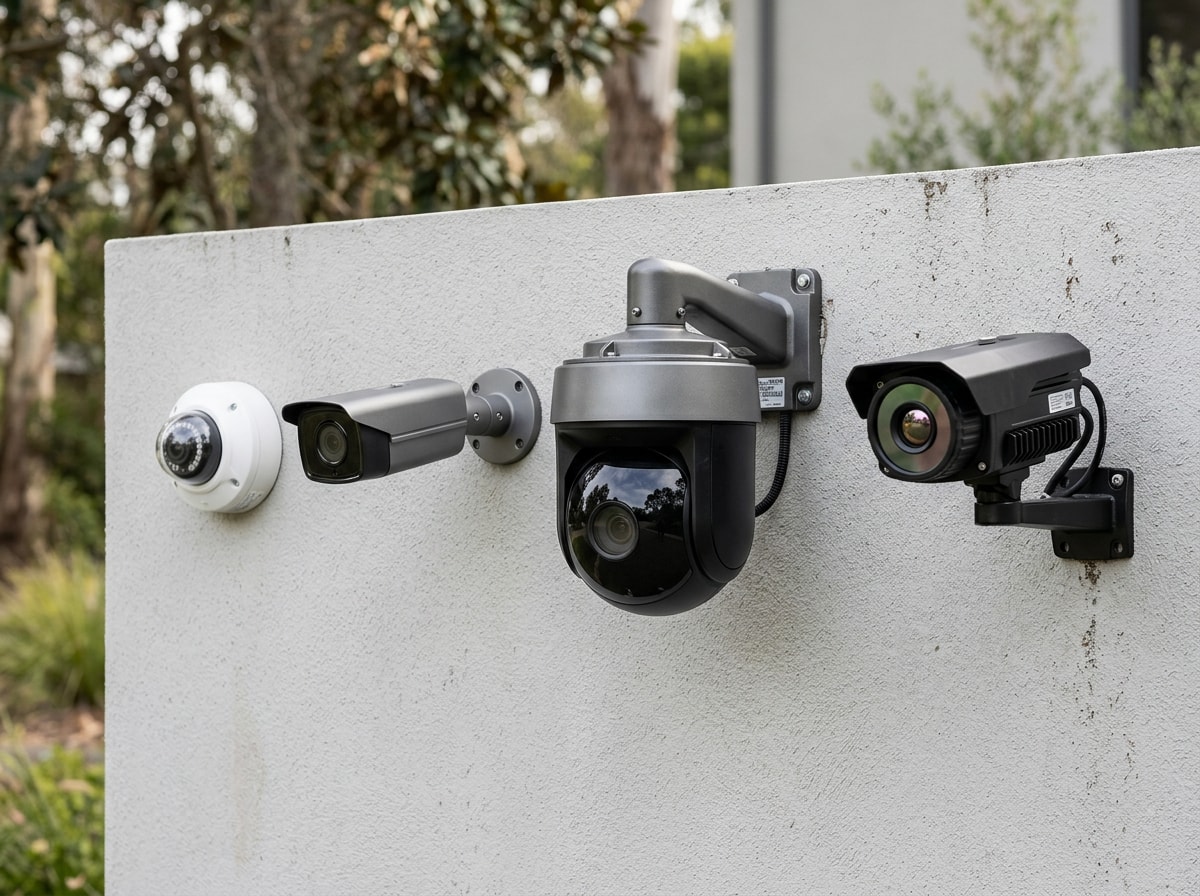
- Dome cameras work well for discreet indoor coverage since the shape makes the viewing angle harder to spot.
- Bullet cameras suit visible outdoor deterrence along entry points, driveways, and garages.
- PTZ (pan-tilt-zoom) cameras let an operator actively track movement across a large commercial lot instead of relying on multiple fixed units.
- Thermal and infrared cameras add low-light and no-light detection, which matters for perimeter monitoring overnight or in areas with weak ambient lighting.
When replacing an aging analog bullet or dome camera, matching the new unit to the original use case usually makes sense: a dome-to-dome swap for indoor spaces, or upgrading an old bullet camera to an infrared model if nighttime visibility was always the weak spot. Mixed systems are common too, with dome cameras indoors, bullet or PTZ units outdoors, and thermal coverage reserved for high-priority perimeter zones.
Why Outdoor Lighting and Landscaping Make or Break Your New Cameras
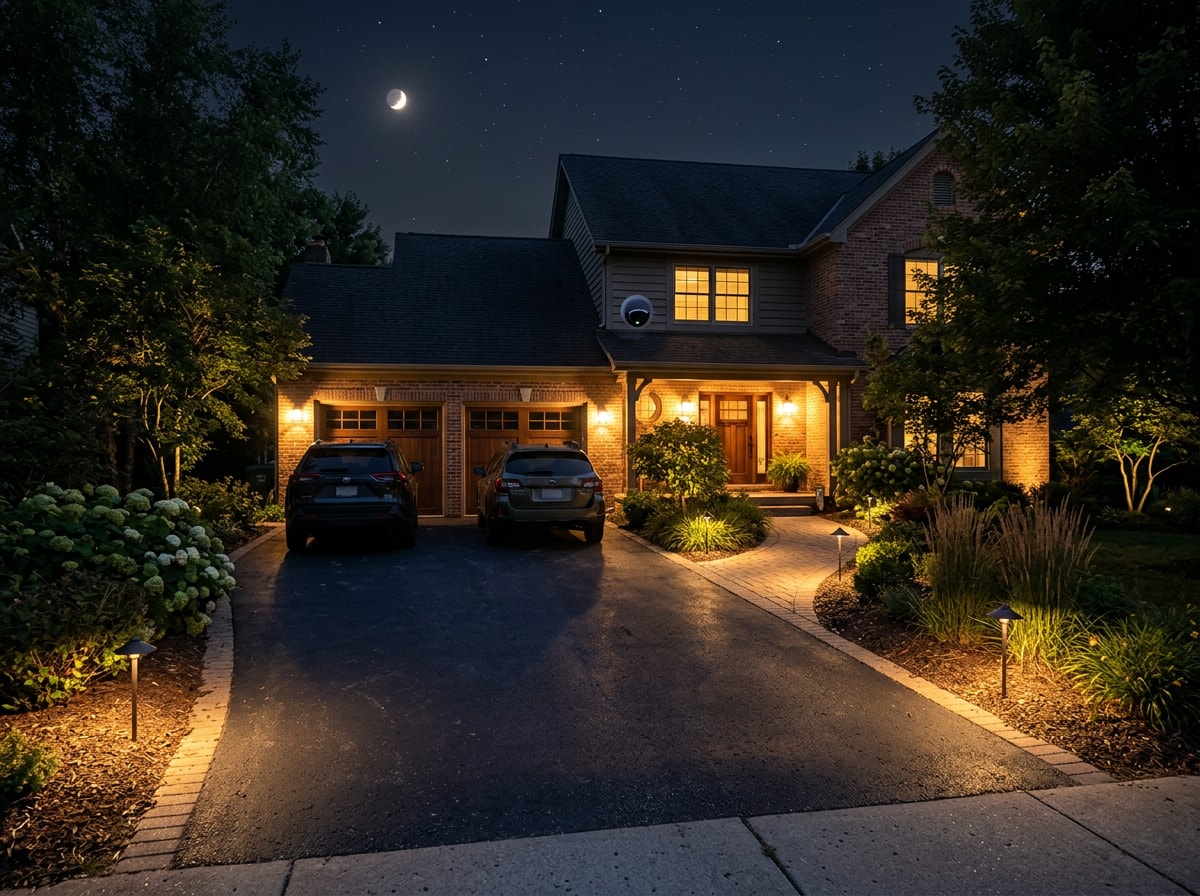
This is the part most camera installers never mention, and it's the reason a lot of "upgraded" systems still produce useless footage after dark. A camera can only resolve what the lens can actually see, and that depends on two things the camera itself doesn't control: light and sightlines.
We've walked plenty of Mariemont properties where a brand-new 4K camera kept missing faces and plates simply because nobody checked whether a hedge had grown into the field of view, or confirmed there was enough consistent light at the mount height to trigger color night vision instead of a washed-out infrared image. DarkSky International's guidance on outdoor lighting controls notes that use light only when it is needed, with controls such as timers or motion detectors, to ensure that light is available when it is needed, dimmed when possible, and turned off when not needed . That same motion-activated, properly aimed approach that prevents light pollution is also what gives a camera's night vision something consistent to work with, instead of pitch black one second and a blown-out glare the next.
Two fixes solve most of this during a camera replacement project:
- Trim sightlines before remounting. Overgrown shrubs and low tree limbs are the most common reason a "new" camera still has a blind spot identical to the old one. A quick pass with outdoor space maintenance before the installer arrives solves this for free.
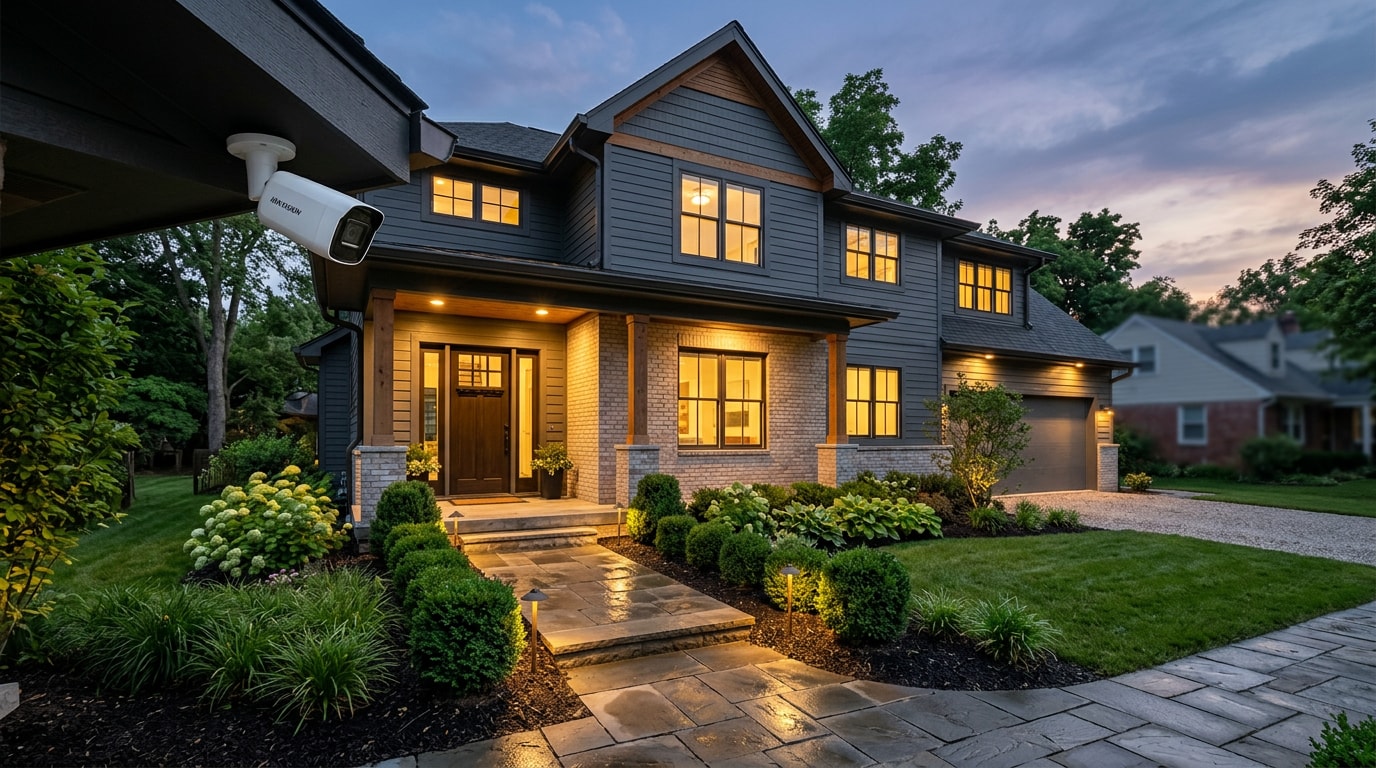
- Add targeted, motion-triggered lighting near key camera zones. A well-placed, shielded fixture at entry points and driveways gives IR and color-night-vision cameras a consistent baseline instead of total darkness. An outdoor lighting consultation can map fixture placement specifically around your camera coverage plan, rather than treating lighting and security as two separate projects.
What a Professional Installation Should Include
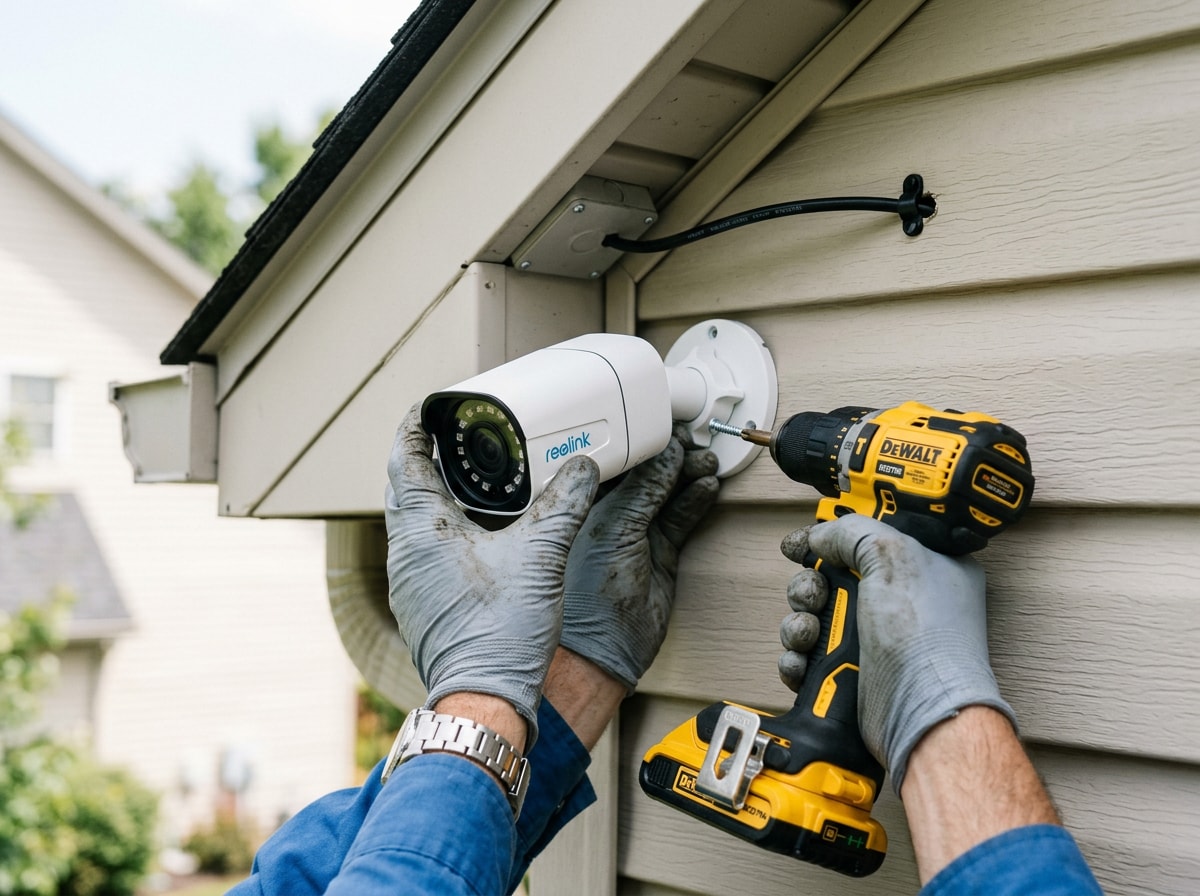
A professional replacement installation typically covers a site assessment, a cabling and power review, precise mounting, system configuration, and a final testing phase. Skipping any of these steps is usually where DIY installs and budget shortcuts run into trouble.
The site assessment identifies the best camera placement for coverage and lighting while flagging whether existing wiring can be reused or needs replacing. Power matters too: PoE setups reduce the number of cables needed but still require correct routing and surge protection. Low-voltage camera and access-control wiring also needs to meet the relevant sections of the National Electrical Code, which the National Fire Protection Association maintains as the benchmark for electrical safety in residential, commercial, and industrial occupancies for more than 125 years . That code governs how security and signaling cable can be run, especially where it shares space with higher-voltage wiring.
Mounting and configuration come next: angles get adjusted for maximum field of view, firmware gets updated, and footage is linked to a recorder or cloud storage platform. A clear installation process explained upfront, not improvised on site, is one of the simplest ways to tell a careful installer from a rushed one.
Pairing Cameras With a Complete Outdoor Plan
Cameras, lighting, and a clean, well-maintained property line work together, not in isolation. A camera aimed at an unlit side yard with a six-foot privet hedge in front of it will underperform no matter how many megapixels it has. Once your camera installer finishes the electronics, it's worth having a separate outdoor LED lighting installation pass to close the gaps around entry points, and a landscaping check to keep sightlines clear as plants fill back in each season.
If you're weighing cameras against other layers of home protection, our guide on custom home security in Liberty Township walks through how cameras fit alongside locks, lighting, and monitoring as one layered system rather than a single fix. You can also browse recent projects to see how lighting and landscaping get planned around existing camera coverage on real Cincinnati-area properties, or check service availability on the Mariemont area page.
Start with a free estimate and we'll walk your property, flag the sightline and lighting gaps your camera installer should know about, and map a plan that covers the whole exterior, not just the lens.
FAQ
How much does it cost to replace security cameras in Mariemont, OH?
A single camera swap on existing wiring typically runs $150 to $500 installed. A full 4-camera wired or PoE replacement usually lands between $600 and $2,000, with larger or commercial systems running higher depending on camera count and cabling complexity.
Can new IP or 4K cameras use my existing analog wiring?
Sometimes, but not always. Analog systems typically run on coaxial cable, while most IP and 4K cameras need Cat5e/Cat6 for PoE. Your installer should check this during the site assessment before quoting the job, since a mismatch usually means a partial or full rewire.
How many cameras do most Mariemont homes need?
Most single-family homes cover the basics with 4 cameras: front door, driveway, back entry, and one additional angle on a vulnerable side yard. Larger lots or homes with detached garages often add 1 to 2 more.
Is professional installation worth it, or can I replace cameras myself?
DIY works fine for simple wireless swaps on an existing mount. Professional installation earns its cost when you're rewiring, adding PoE, integrating with an existing NVR, or need code-compliant low-voltage wiring, which is where most DIY jobs run into trouble.
Can I point a replacement camera at my neighbor's yard?
Generally no. Ohio's surveillance statutes focus on reasonable expectations of privacy, and you can install security cameras covering public areas like your yard or porch without notification, since those areas lack a reasonable expectation of privacy . Aiming a lens directly into a neighbor's windows or private space is a different situation. Ohio's video surveillance provisions are outlined in the Ohio Revised Code if you want the exact statutory language before finalizing camera angles near a property line.
Does new lighting matter when replacing security cameras?
Yes. Night vision performance depends heavily on consistent, shielded light near the camera's field of view. A camera with nothing but darkness or a single harsh floodlight will produce worse footage than one paired with properly placed, motion-triggered fixtures.